Now available on the App Store
Your data, measured against you.
Narelia reads your Apple Watch and compares you with yourself: your nights, your weeks, your usual range. Not with a population chart, and never claiming more than it knows.

Free to download, no account. Requires an iPhone with iOS 26; Apple Watch recommended.
See it in two minutes.
The launch film: the whole app, screen by screen, with simulated data.
Every number shows the arithmetic behind it.
No black-box scores. Every screen shows what its figure is made of and which of your days it is compared with.
-
Your numbers against your own history
-
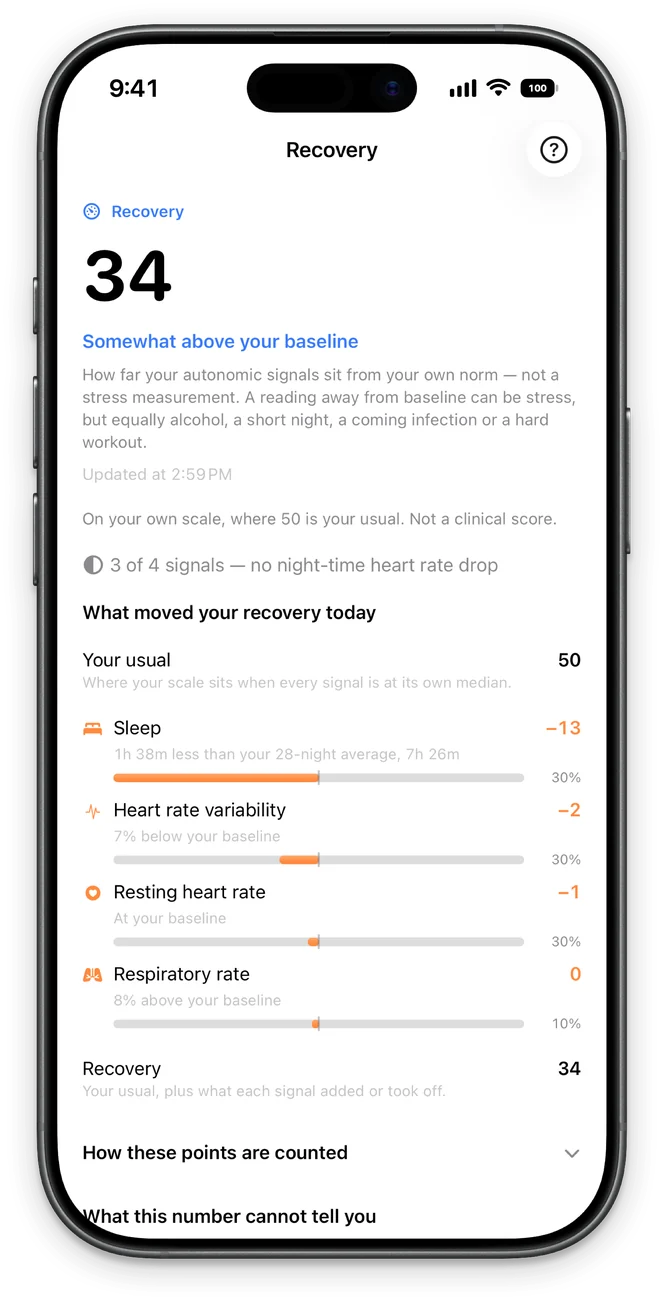
Every number shows the arithmetic behind it
-
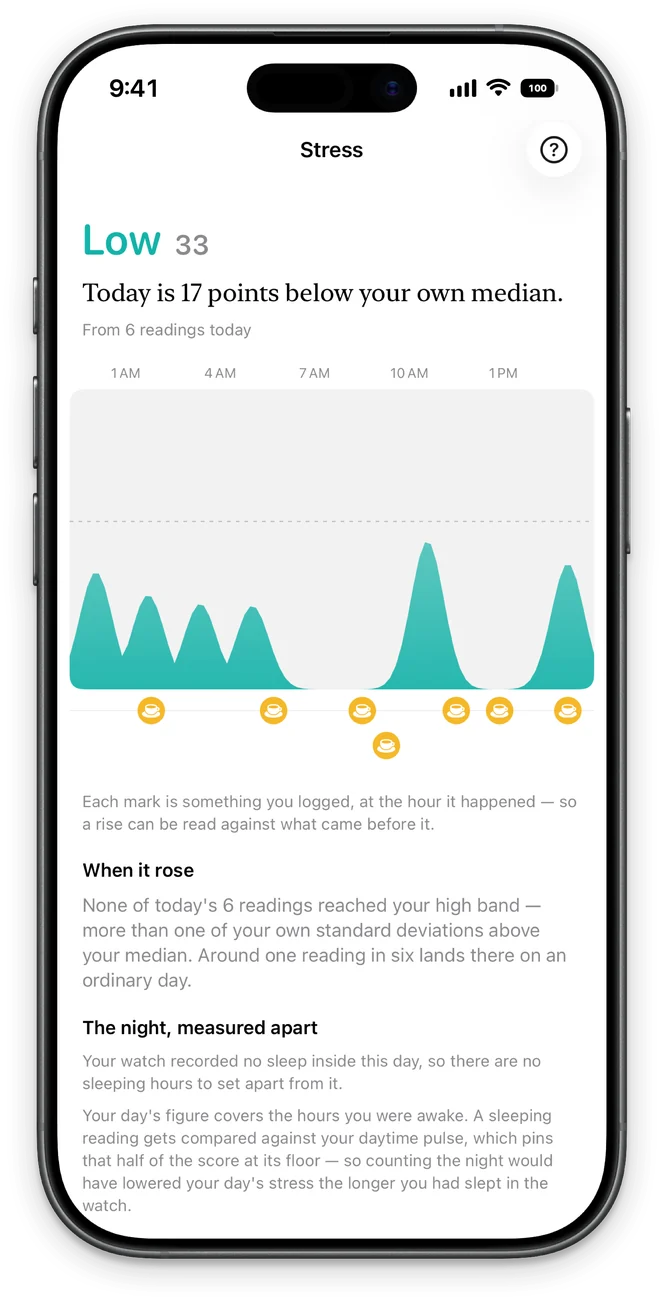
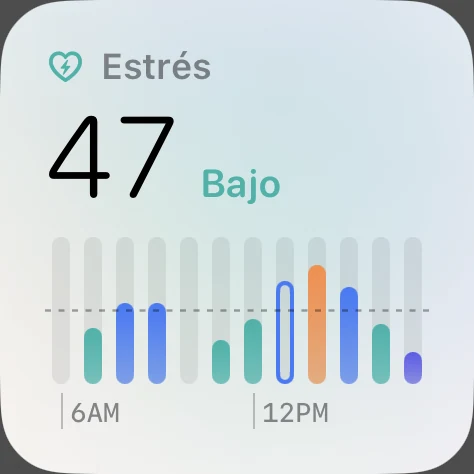
Your stress through the day, the night kept apart
-
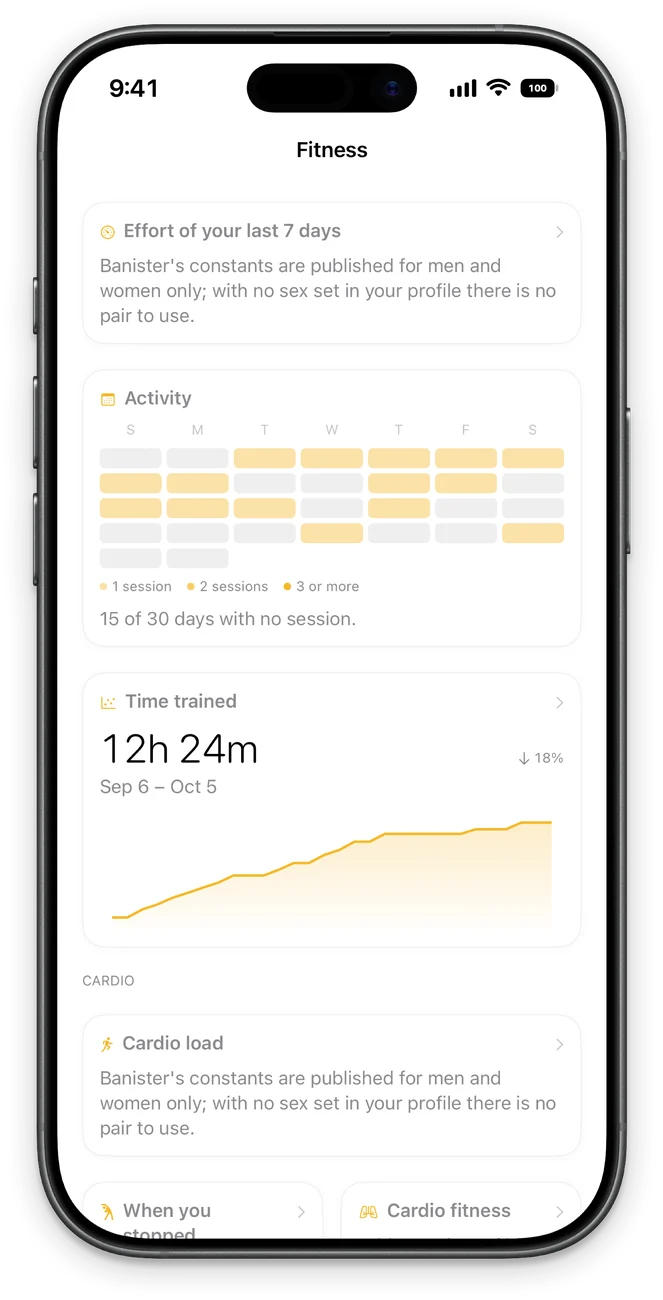
Your effort against your own weeks
-
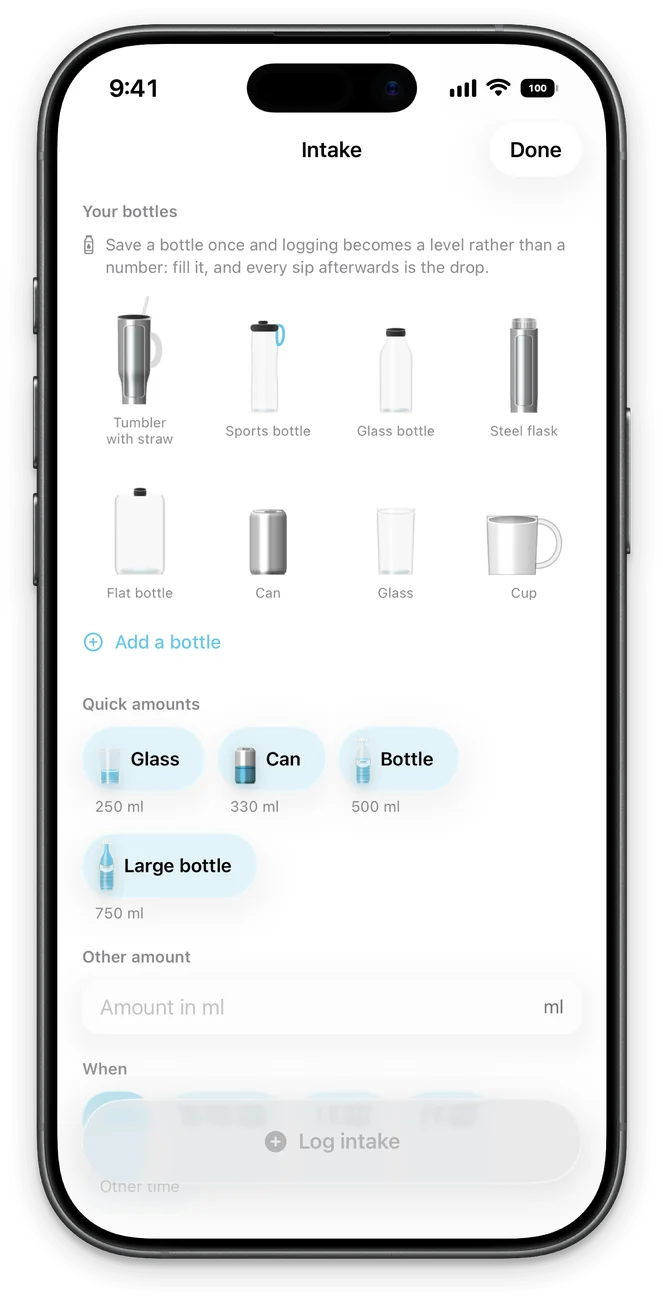
Your vessels and your quick amounts
-
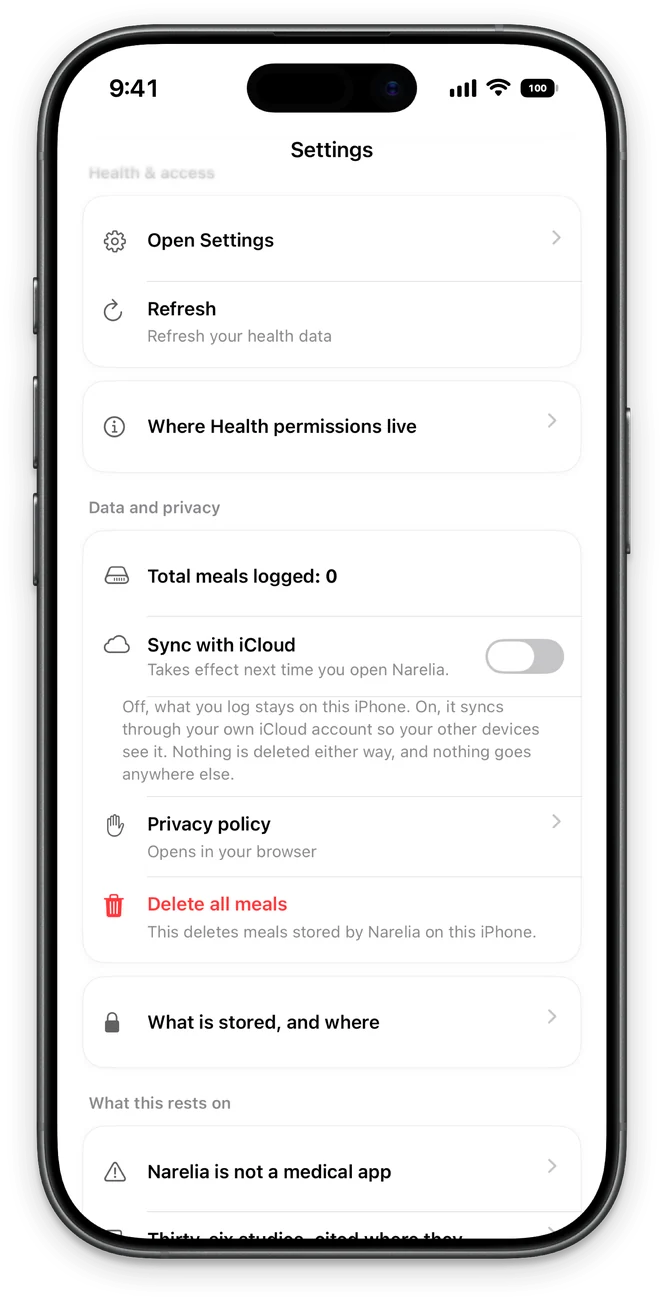
No account, no server; iCloud only if you turn it on
What you’ll find inside.
The figures from your watch and what you log, always against your own history.
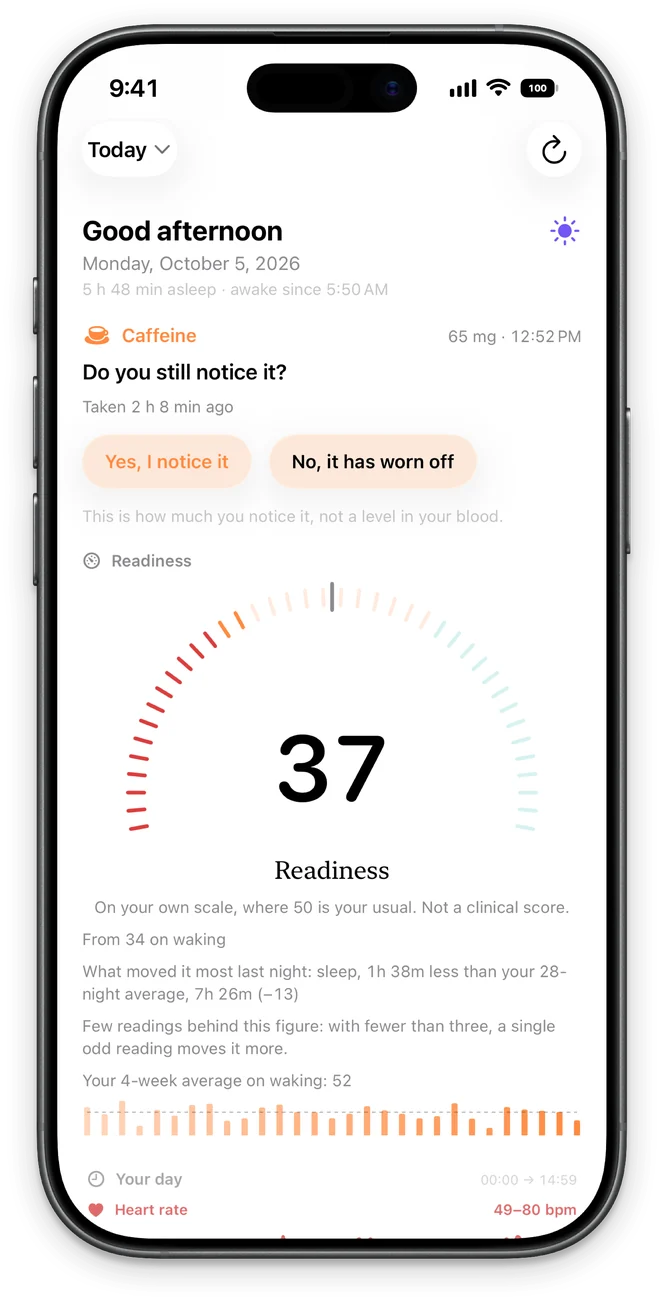
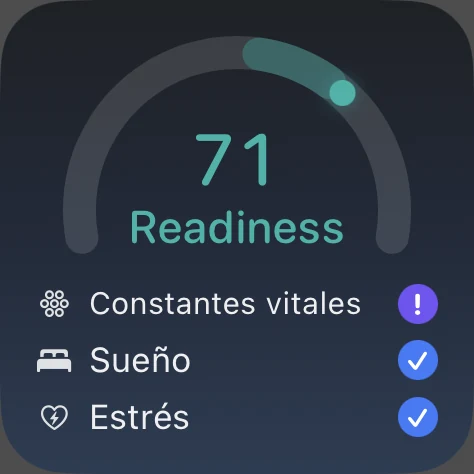
Readiness: how you arrive today
It starts from your morning recovery and moves with what your watch measures through the day. Tap it to see where the day has been, not just where it ended. If you slept without the watch, it says so: “Daytime only”.
Recovery against your own baseline
Each morning, your variability, resting heart rate, breathing and sleep are compared with your own nights, and the screen says how much each signal moved. If a figure from the night lands “far outside your usual range”, it marks it, without saying what it means.
Your night, stress and vitals
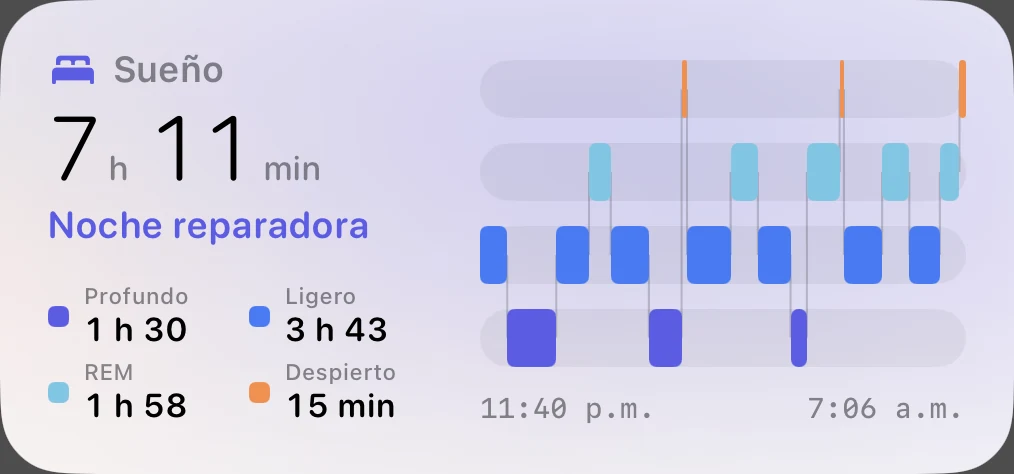
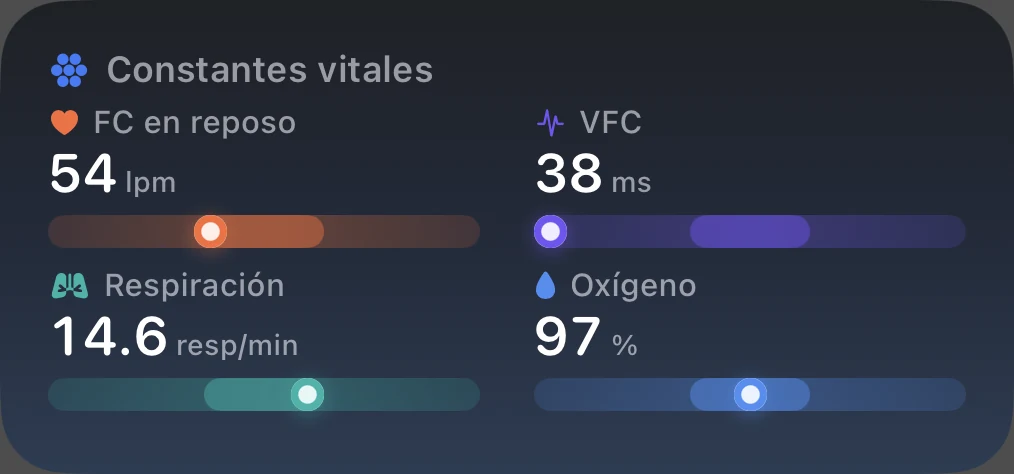
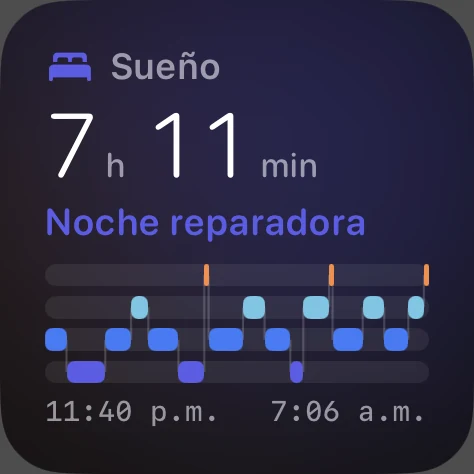
The night by stage, stress through the day and your vitals (variability, heart rate, breathing, oxygen), each on its personal range.
Fitness
The week’s effort against your usual weeks, with your workouts and strength sessions.
Meals from a photo
Take the photo and Narelia suggests what is on the plate; you confirm or correct it. It is read on the iPhone itself, with Vision and the Apple Intelligence model, on compatible iPhones. Or log by text or by hand. On iOS 27, the on-device model looks at the photo itself.
Your own vessels, in 3D
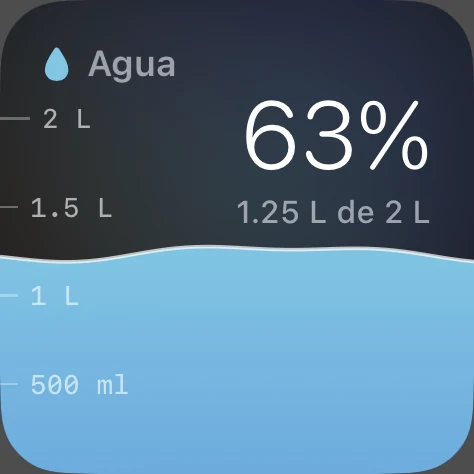
Water and caffeine are logged with your bottle, cup or can, drawn in 3D: drag the level on the vessel itself to where it stands. With quick amounts, and creatine and protein too.
Apple Intelligence tells you your figures
Ask it for your variability, stress, recovery, Readiness, the night, water or caffeine, and it answers like its screen does, without a network. You can also log an intake by voice, and Shortcuts offers “Get Narelia data”.
Your figures, on your iPhone
Narelia leaves your last 28 days of figures in your iPhone’s index so Apple Intelligence can find them. It stays on the device and turns off in Settings, Apple Intelligence & Siri.
Principles
Data, not verdicts
It writes “47 minutes less than your median”, not “your recovery is bad”. The app does the arithmetic; the interpretation is yours.
Honest while it learns
A baseline needs history. While yours forms, the screen counts the nights it has and the nights it needs, instead of showing a figure that doesn’t mean anything yet.
Your days, side by side
Log water, caffeine or creatine and it lines up your days with and without them. When it finds a difference, it shows you both groups of days and how much of it could be chance.
It knows its limits
A quiet screen is not proof that nothing is there. When the data can’t support a conclusion, Narelia says so, with the number, instead of filling the gap.
Beyond the app.
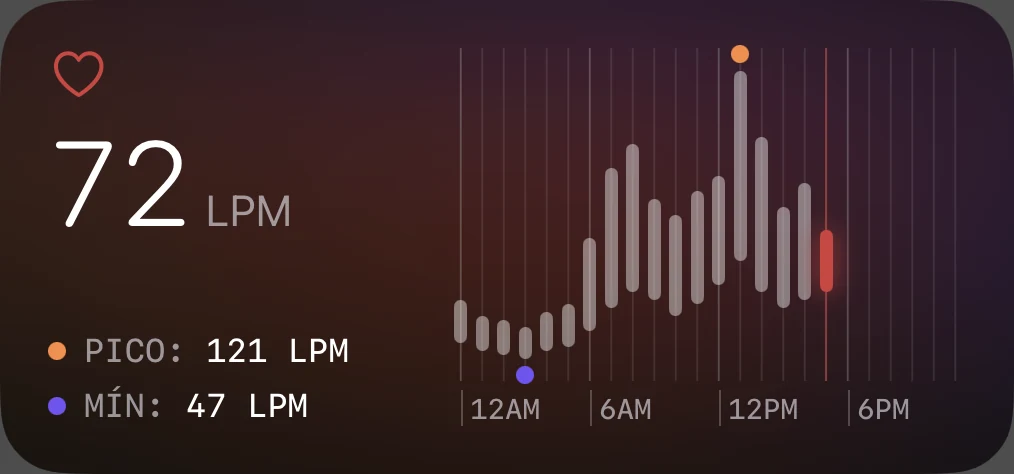
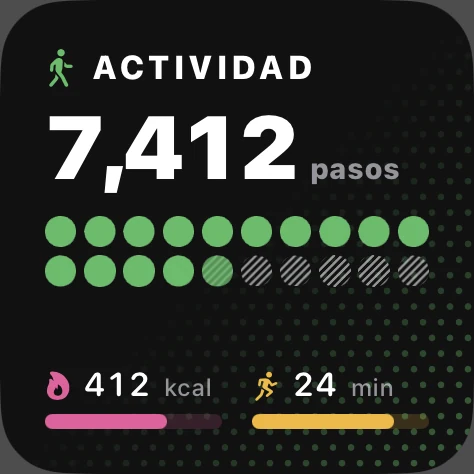
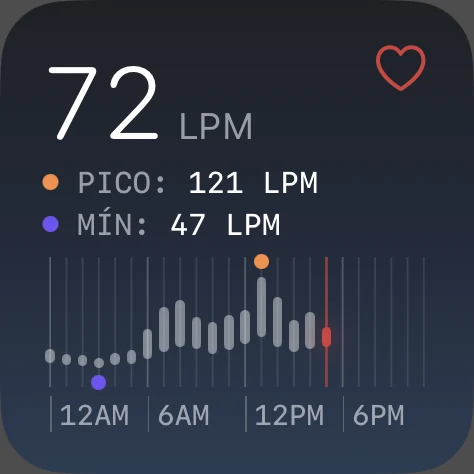
Readiness, heart rate hour by hour, stress, sleep, vitals, water and activity, on your Home Screen, Lock Screen and Apple Watch. Four styles to choose from: Narelia, Night, Editorial and Classic. And the Apple Watch has its own app, with your vitals, your night and what you have taken so far, plus complications with your recovery on the watch face.
Free, and your figures never cut.
Recovery, stress, night, vitals, intake and the watch are free and are not cut down. Your own figures never sit behind a payment.
Narelia Pro lifts the one limit: the free plan logs up to three meals a day; with Pro there is no cap.
Pro is US$4.99 a month, with a two-week free trial. The App Store shows the price for your country, and you manage or cancel it in your Apple Account settings.
No account. No server.
All analysis happens on your iPhone. Your meal photos are read by Vision and Apple’s model on the device itself; they do not leave it.
No account and no server of its own: your data lives on your iPhone and in the Health app. The iCloud copy is optional, goes to your own account, and is off until you turn it on in Settings.
No analytics and no advertising identifiers. The person who makes the app has no copy of anything of yours. Read the privacy policy.
Discover it with your own data.
Now available on the App StoreFree, no account. Baselines start forming with your first nights wearing the watch.